
Optimal uses the special *.txc files, you can create a new one or you can use Template button to select your created (ready to use) protocols for the quick setup.
Please close the connection between computer and instrument to be able to create a ready to use protocol correctly. After saving your protocol then you can turn on the instrument and use it by selecting ‘Template’ button.
Please plug the USB licence key to your computer firstly (then you can leave it for your next use), turn on the instrument then run the Optimal Control and Analysis Software.


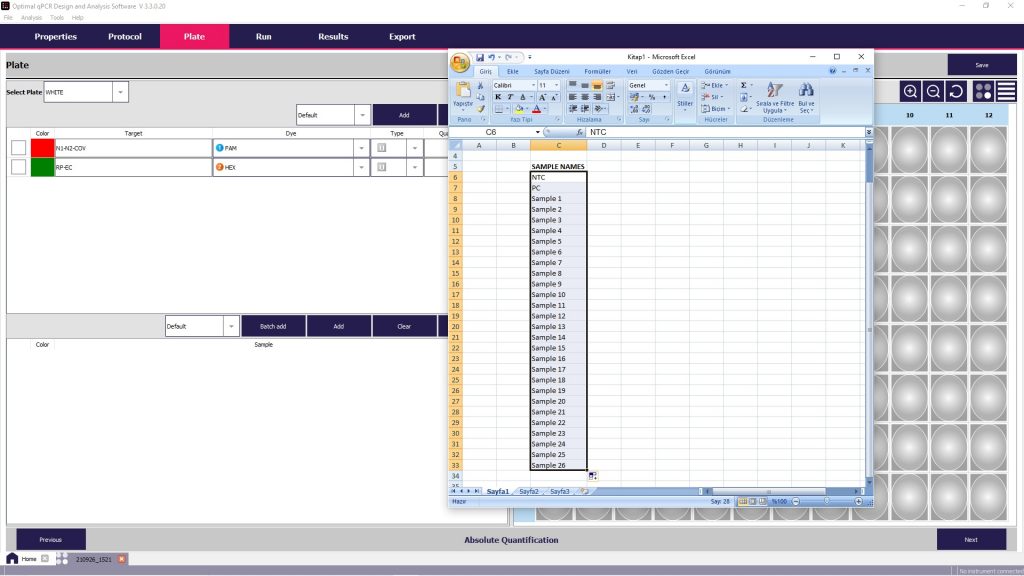
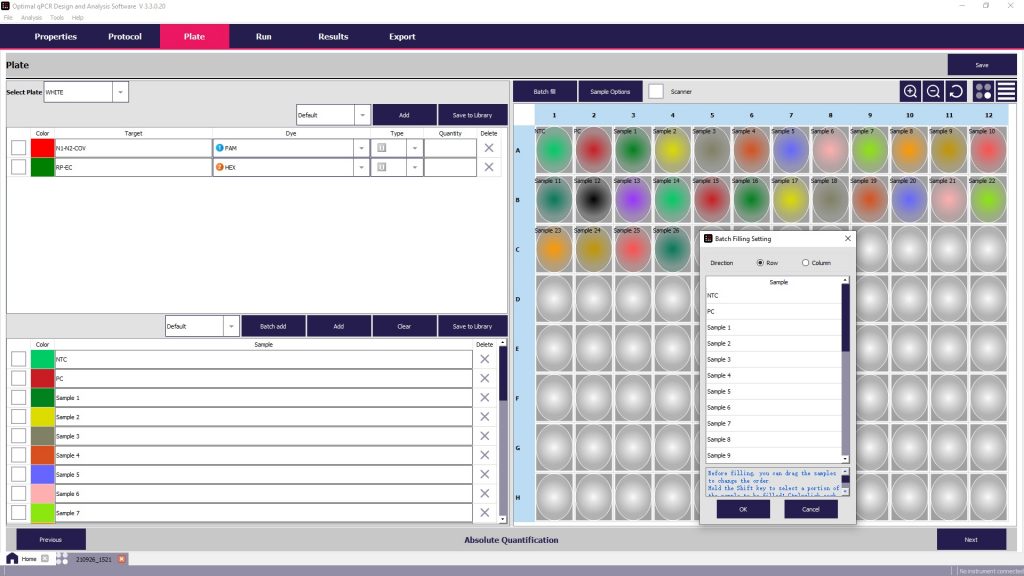
Please select your DYE names (FAM, HEX etc) according to your RT-PCR Kit protocol, written on the user Manuel or user guide.



You must close all your internet connections like Wi-Fi before running a protocol.

Related Links;